Always know where to go next.
An AI questing companion for WoW Forever. It does the quest planning, so you get to do the fun part.
- Your quests, routed
- Bring your own AI
- Never plays for you
- Open source
What is it?
No more alt-tabbing to quest guides
Full quest log and no idea where to start? NeverQuestAlone picks the order, puts the route on your map and answers questions right there in the game.
Your next stop is always on screen
How far it is and what to do there, as a full panel, a slim bar or just an arrow.
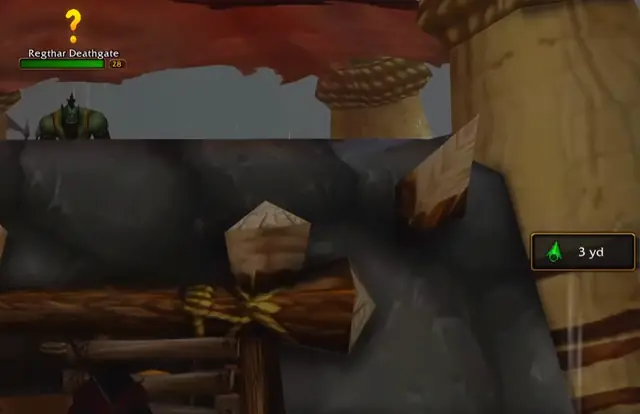

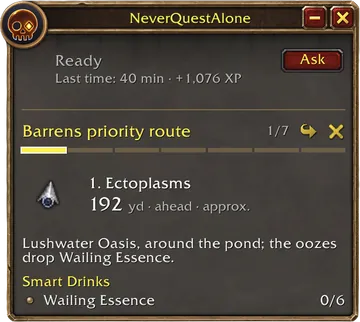
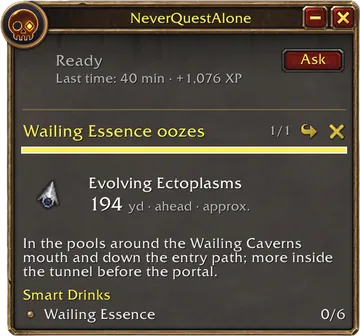
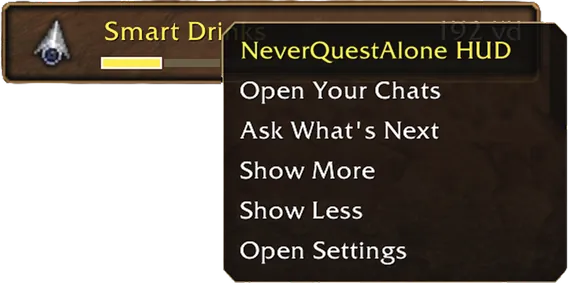
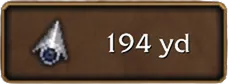

Less: the HUD as a bar, your next stop and its yards.
Your route, right on the map
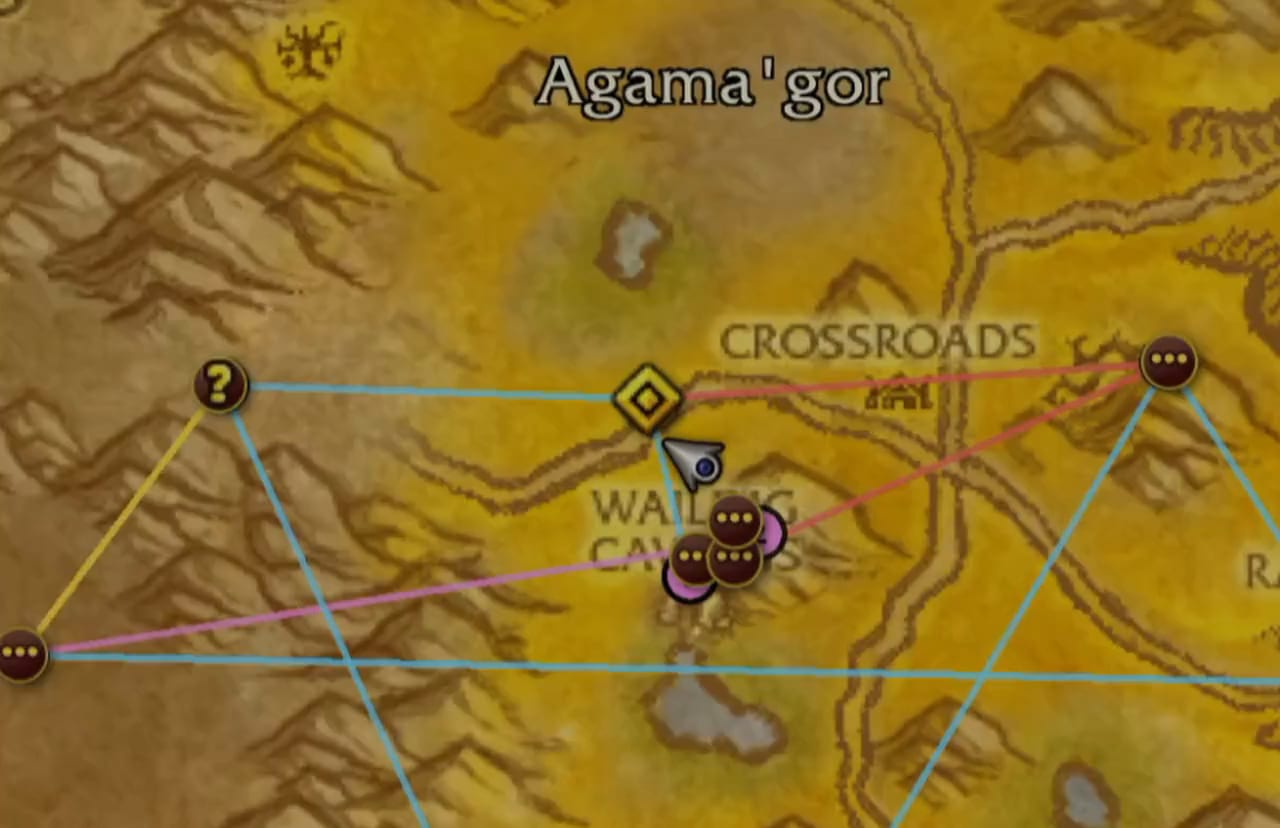
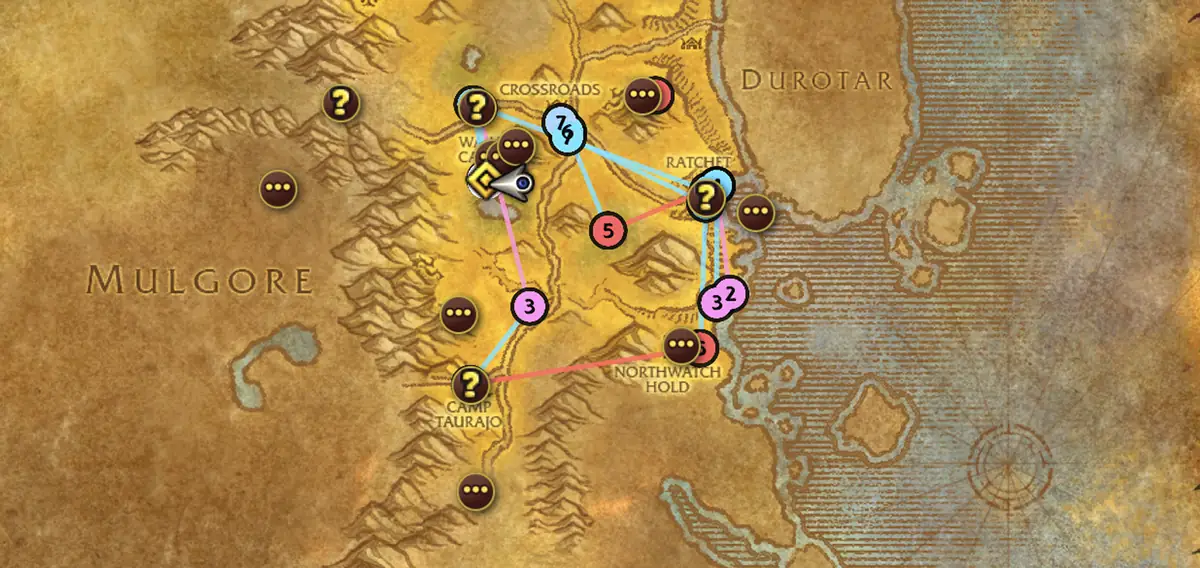
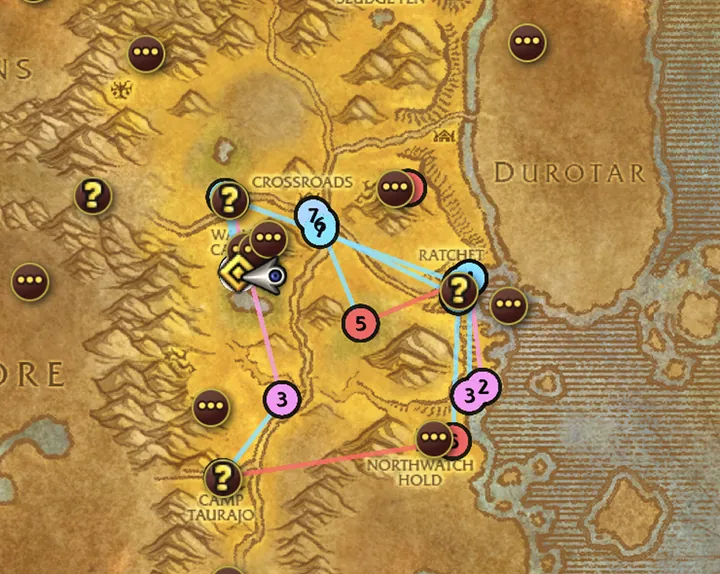
Ask what’s next and your quests become one route in the best order, pinned on your map and minimap.
Lushwater Oasis, where you are: kill Devouring Ectoplasms for Smart Drinks.
Regthar Deathgate, west of the Crossroads: hand in Hezrul.
South Barrens: find Mankrik’s wife and pick up quilboar tusks as you go. 60 is a lot, so don’t farm them to the end.
Camp Taurajo: hand in Jorn Skyseer.
Northwatch Hold: kill Fairmount and the two cannoneers, then take the Gilthares escort. Aim to be level 19 to 20 by now. Both are tough solo, so find a group if you can.
Ratchet: hand in Guns, Free From the Hold and Smart Drinks.
Crossroads: hand in Mankrik’s wife and the tusks once they’re done.
Lost? Just ask
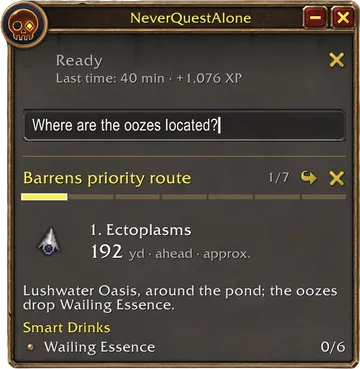
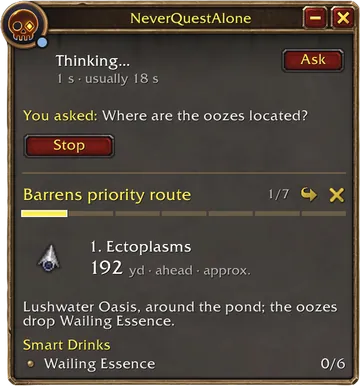
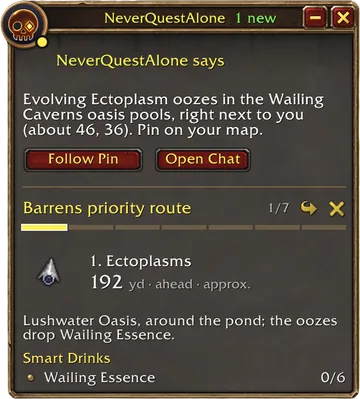
Type a question in game and get a waypoint or directions back.
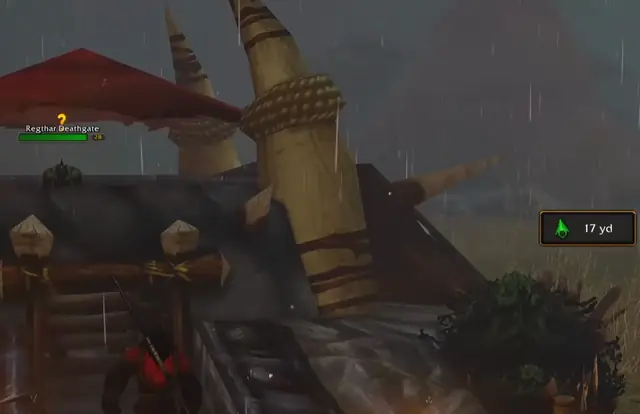
A question, typed in the Ask box. Click it to ask.
Set up in 2 to 3 minutes
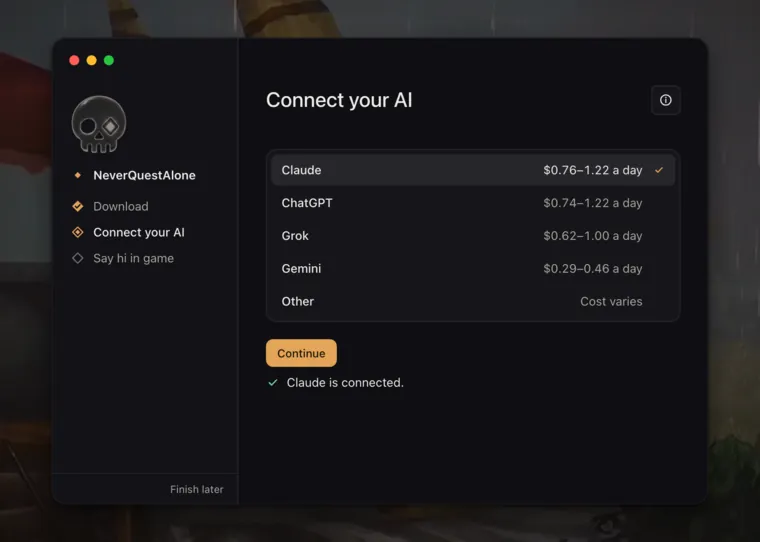
Works with Claude, ChatGPT, Grok, Gemini and most other AIs, even one on your own computer. You pick the model and how hard it thinks.
Download App and addon
Connect your AI Paste an API key
Start questing Log in and play
Fair questions
NeverQuestAlone is open source, so anyone can read the code that handles your key and your messages.
Is it allowed? Will I get banned?
The addon follows Blizzard’s add-on policy: it never moves, targets, fights or posts to chat for you, and its quality-of-life options only finish what your click opened. The app sends no key presses or clicks and never reads the game’s memory. Blizzard has the final say.
Windows says it’s unrecognized. Is that OK?
The Windows installer is signed. While its new certificate builds trust, Windows may still show “Windows protected your PC” the first time: click More info, then Run anyway. The Mac app is signed and notarized by Apple, and every release lists SHA-256 checksums.
Why the desktop app? Can I use just the addon?
Addons can’t go online. The app reads your message at the top of the game window and asks your AI. Play in Windowed or Windowed (Fullscreen) mode.
The addon alone works with Copy and Paste into any AI chat, no app or key. Download it and unzip it into _forever_/Interface/AddOns.
What’s an API key, and how do I get one?
It’s a key that lets the app use an AI company’s service, billed as you go. Make one on Anthropic’s, OpenAI’s, xAI’s or Google’s site, add a few dollars of credit, then paste it in the app. A ChatGPT or Claude subscription isn’t an API key.
Which AIs work, and what does it cost?
Claude, ChatGPT, Grok, Gemini or any OpenAI-compatible service, or a model on your own computer, which is free. The app is free. On Claude Sonnet 5.5, the default, about 40 replies cost $0.76–1.22 a day, so $5 of credit lasts 4 to 7 days.
What data do you store? Is it secure?
Nothing. There’s no NeverQuestAlone account, server or app tracking. Messages and game data go only to the AI you pick; your name, realm and guild stay out unless you turn them on. Your key stays in your macOS Keychain or Windows Credential Manager, and chat history stays on your computer.
What’s the pixelated bar that sometimes appears at the top left of WoW?
It’s how your questions get from WoW to the NeverQuestAlone desktop app. WoW addons can’t use the internet, so when you ask NeverQuestAlone something in game, the addon briefly shows it as colored squares. The desktop app reads them, sends your question to your AI, and the bar disappears.
Does it read my screen?
Only the top of the game window, where the addon draws; it’s why a Mac asks for Screen Recording. On Windows, a window over it is read too. Turn off Screen reading in the app or the addon’s Settings, and it reads nothing on screen: messages wait for a reload.
How do I uninstall?
In the app, open Settings, click Show more, then Uninstall. It removes your keys, chat history and settings and, if you choose, the addon and the chats it saved in WoW. Then delete the app.